

Upgrade your movie nights with University Libraries streaming collections
Whether you're planning a cozy night in or watching a movie under the stars, the University Libraries have everything you need for the ultimate movie night. From streaming services and classic DVDs to projectors, cables and even snack ideas.
Picking the movie
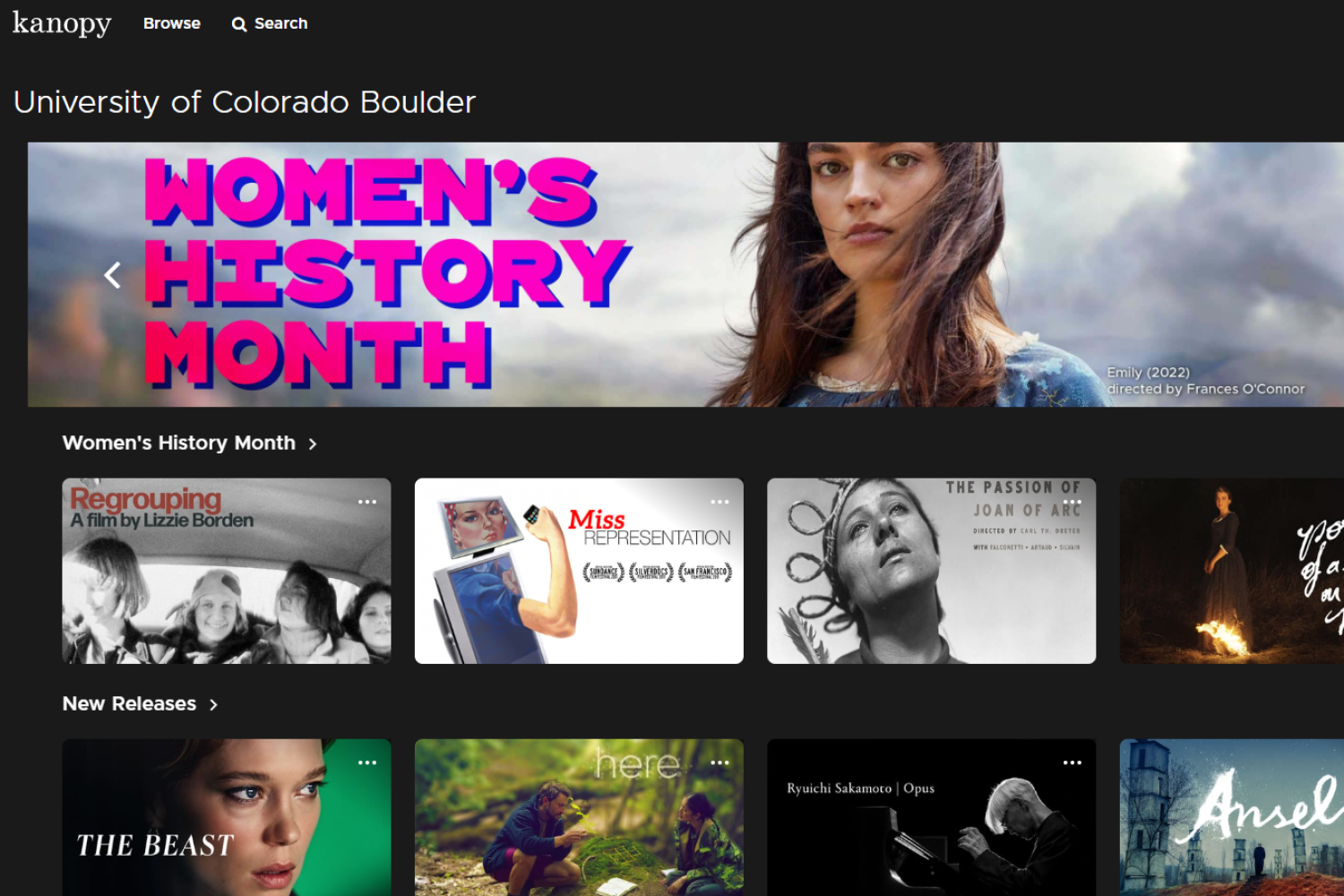
Streaming services
We have streaming movie collections through Kanopy, Swank Digital Campus, DocuSeek as well as a few other places. Access by following the library link and logging in with your IdentiKey.
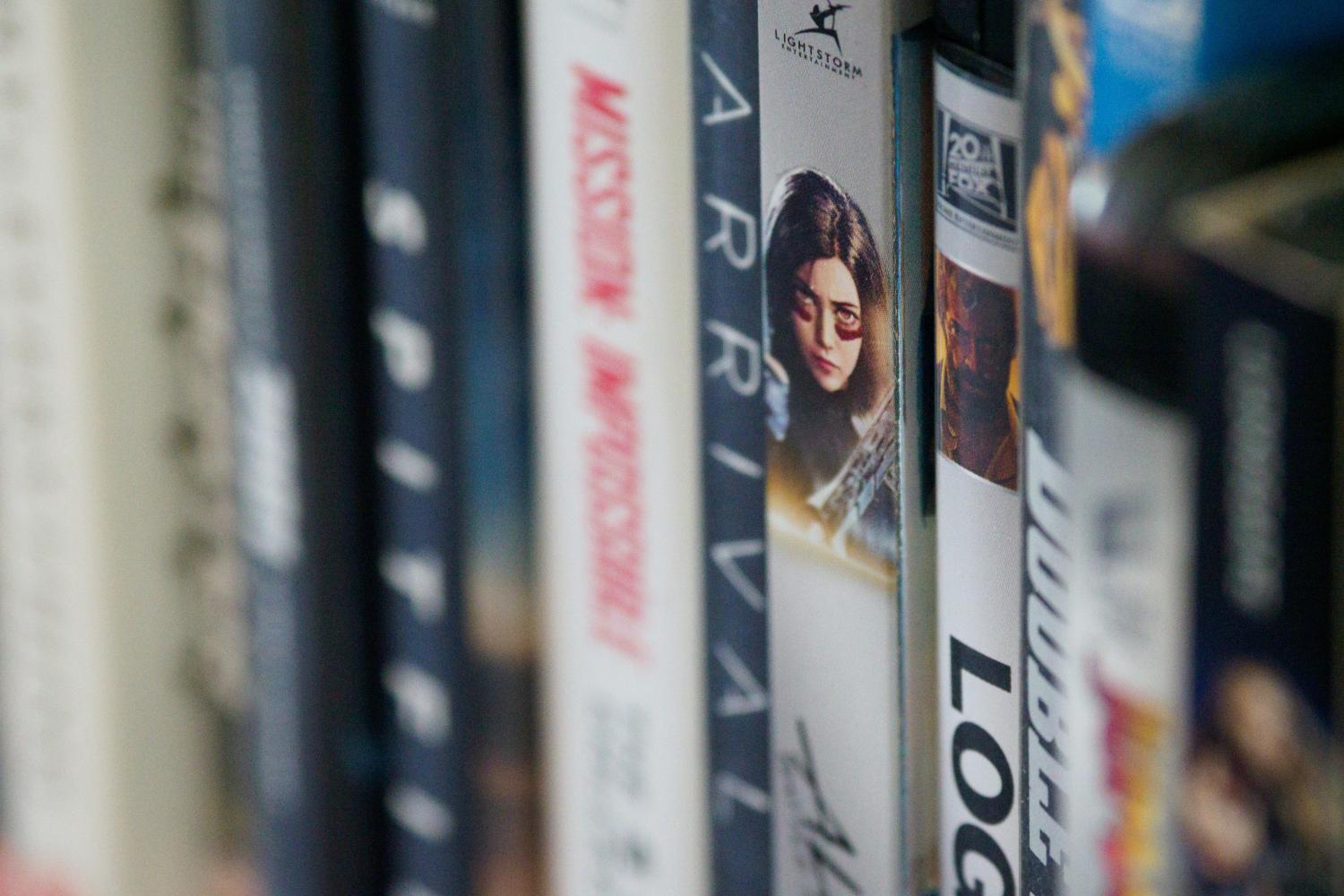
DVDs
Physical media enthusiasts rejoice: We check out DVDs. The Libraries has a collection of popular films, cult classics, foreign language, documentaries, and more for you to browse like the good old days of Blockbuster. The collection is located on the second floor of Norlin. Check out with your Buff OneCard at a service desk or self check out.
If you are looking for something specific, we also have access to DVDs via Prospector, a service providing access to more than 30 million books, journals, DVDs, CDs, videos and other materials held in member libraries. Request it be delivered to the library location nearest you.
Setting up the display
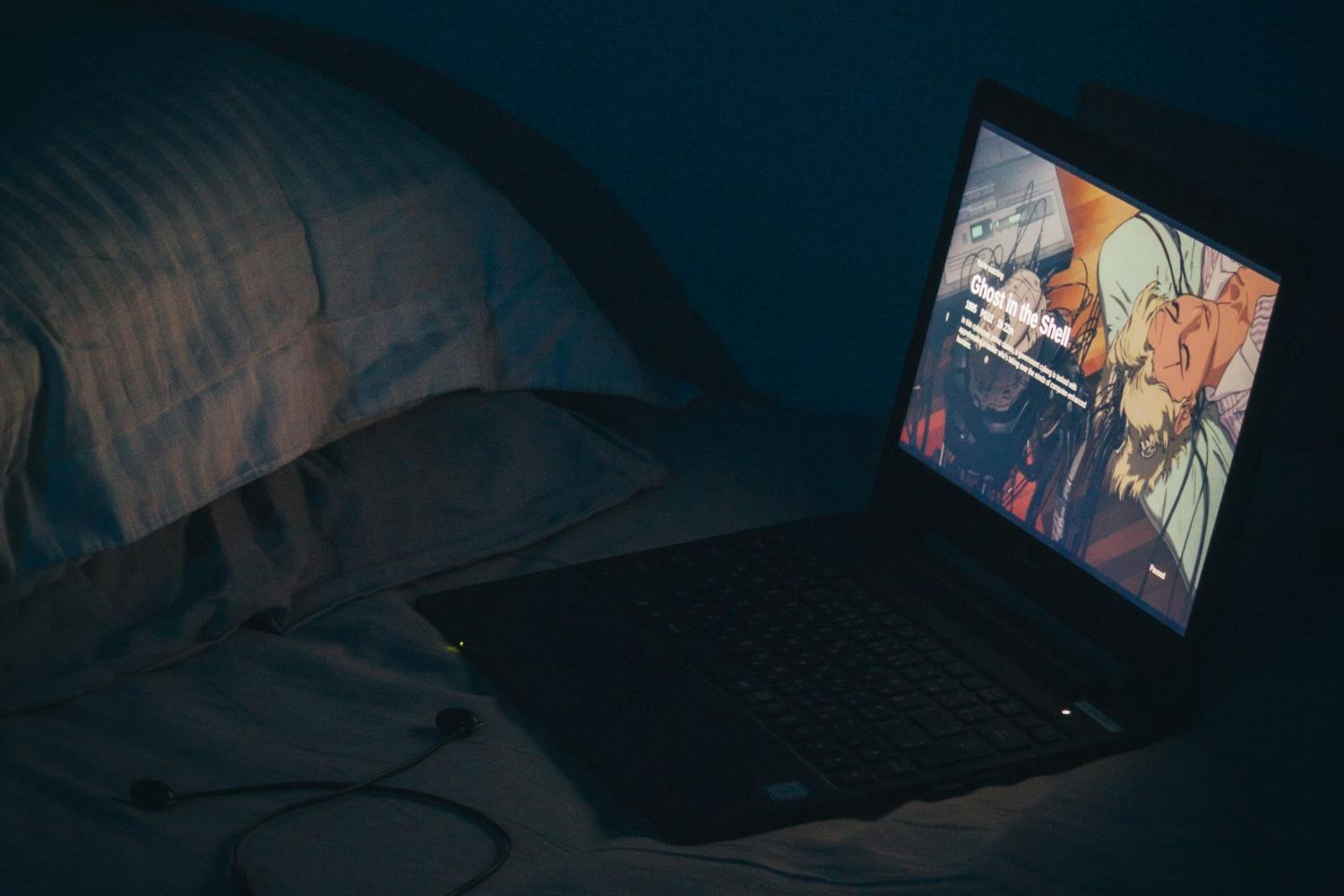
On your laptop
Our streaming services are available directly on your laptops or tablets simply by following the library link and logging in with your IdentiKey.
To watch DVDs, check out an external CD/DVD-RW drive or external blu-ray drive at a Libraries service desk.
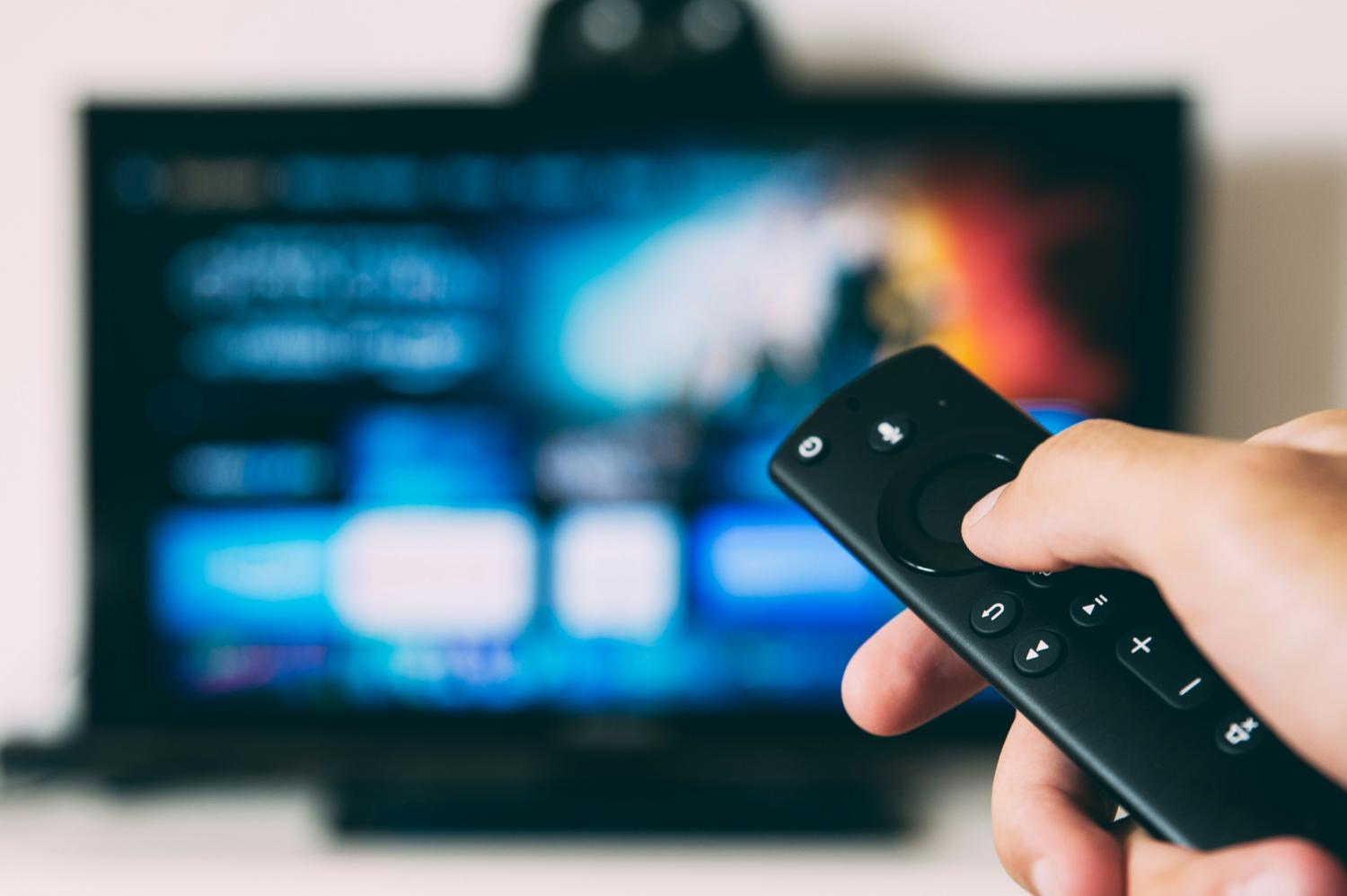
On your TV
Connect your laptop to your TV by checking out an HDMI cable and adapters from a library service desk.
For DVDs, connect one of the Libraries external CD/DVD-RW drive or external blu-ray drive directly to the TV’s USB port.
Kanopy is available as an app on smart TVs or streaming devices (Bonus: If you have a library card at a local library like the Boulder Public Library or Denver Public Library, you can add their Kanopy catalog as well.)
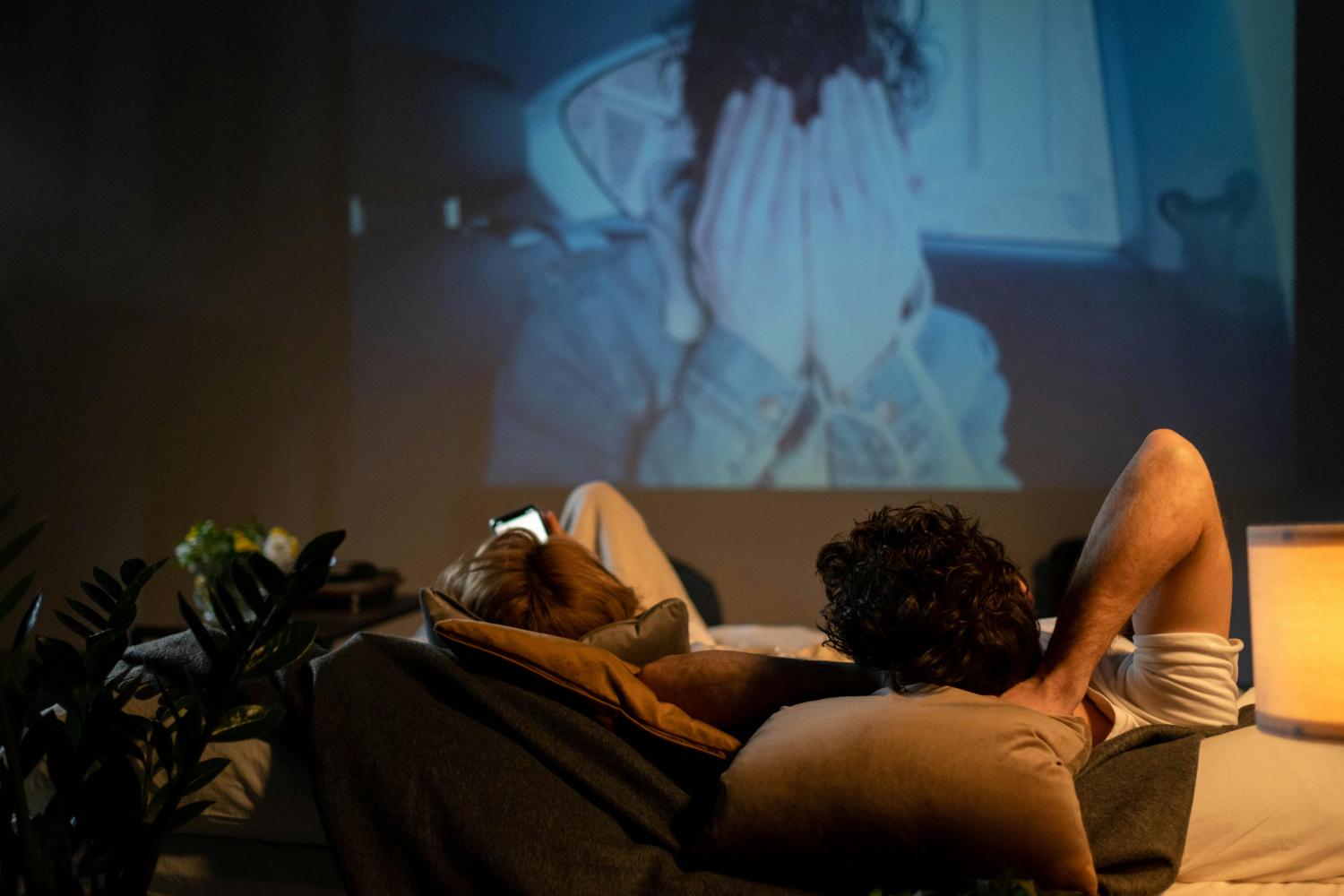
Project on your wall or in your backyard
Project the movie on the wall of your living room or in your backyard with the Libraries Aaxa BP1 Portable Speaker Projector. Connect your laptop, streaming device or DVD drive to the projector to begin projecting.
Making snacks
What is a movie night without snacks? New York Times (NYT) Cooking has a large collection of recipes specifically for entertaining.
Accessing NYT Cooking is easy: Activate your account by first signing up for a NYT account and then navigating to the CU Boulder NYT Cooking access page and clicking the “Activate your access today” button and following the prompts.

Hosting a public viewing of a film? Contact libraries@colorado.edu and we may be able to license it for you.